How to Turn Your Run Into a Route Map Print (From Strava or GPX)
A route map print turns your GPX file into a printed map of the day. How it works, prices from £35, and the best options for trail runners.
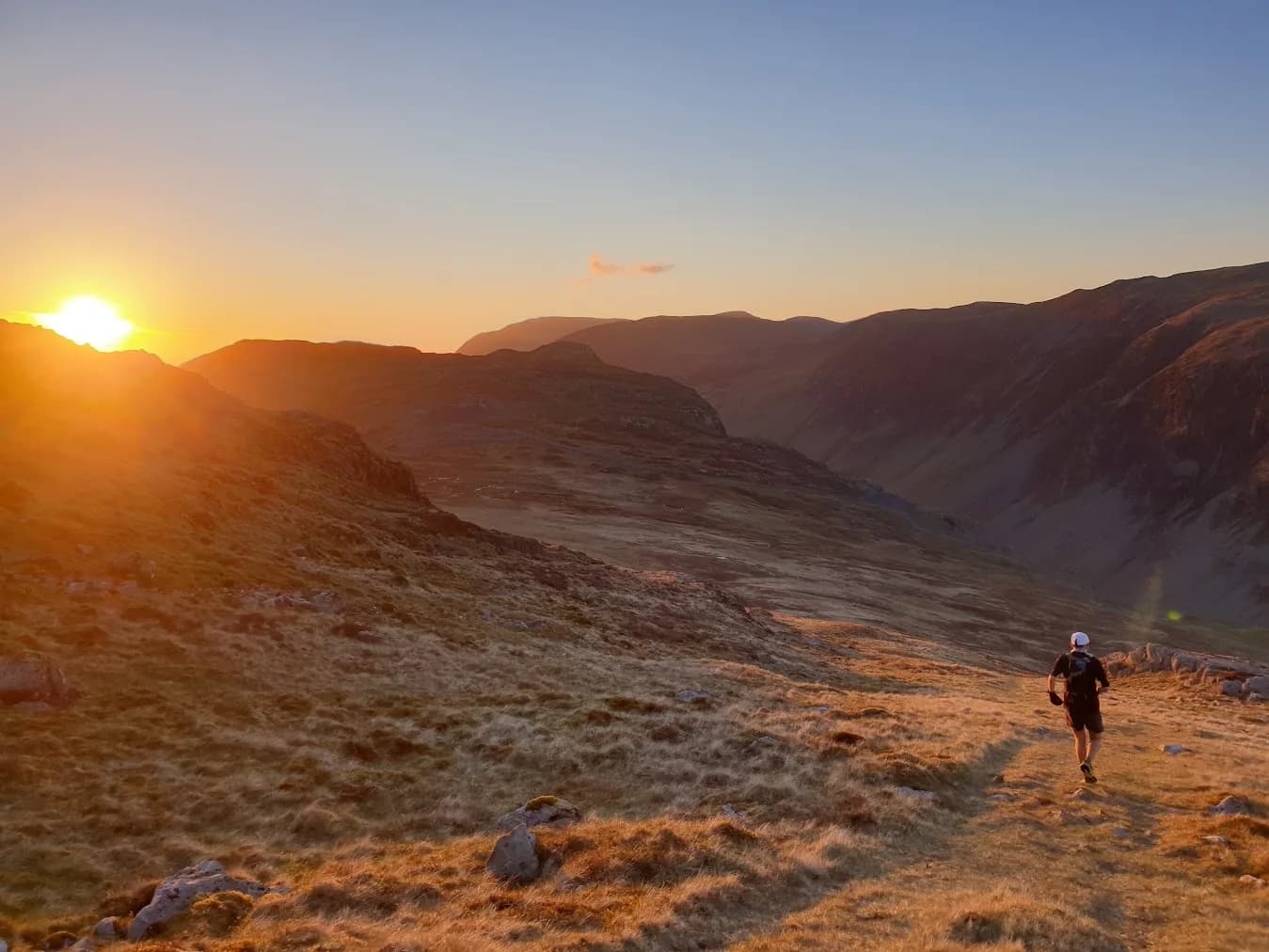
The car park frost, the cloud tearing open on the ridge, the last mile when you stopped caring about the time. Then you got home, synced your watch, and the whole day became one thin orange line in your activity feed.
The short answer: a personalised route map print turns the GPX file from your run, walk or ride into a printed map of the exact line you took, with your name, date, distance, climb and finish time. With Memories Made Outside, a UK company that prints route maps to order from real GPX data, it takes about five minutes in your browser. You see a preview before you pay, and prints start at £35 unframed or £79 framed, with free tracked UK delivery.
Below: how it works step by step, what it costs, which days are worth printing, and the best options if you're buying for a trail runner.
About the author and the brand. This post is written by Jason Millward, who builds the routes on Trail Running Planet and has over a decade of ultra running behind him, including a 22-hour Bob Graham Round. Memories Made Outside is TRP's sister brand, started by the same runner. We're telling you that up front because we'd rather you knew. Everything below is how the prints actually work, prices included.

Why print a route instead of leaving it in Strava?
Trail runners are hoarders of data. Splits, heart rate, elevation, every kilometre logged and kudos'd. But the data isn't the memory. The memory is the smell of wet bracken, the stranger who pointed you back onto the path, the friend who carried your spare gel up the last fell because you'd dropped yours.
A route line is a strangely powerful trigger for all of that. Look at the shape of a loop you ran and you can feel where you struggled, where you got lost, where you sat on a cairn and ate a squashed sandwich in the wind. That's the idea behind a personalised route map print: the line you actually ran, drawn properly, with the details that make it yours.
It doesn't have to be your biggest day. Some of the best prints are of:
- Your first trail race or first ultra, with the finish time as the headline
- A round you'd been dreaming about for years — a Bob Graham, an Edale Skyline, the Yorkshire Three Peaks
- A long-distance trail you walked or ran over a week with someone you love
- The local loop you always do, the one that got you through a hard year
- A whole year of getting out, from the first cold parkrun to the last long day
How do you turn a GPX file into a route map print?
It takes about five minutes, entirely in your browser, and you see the finished print before you pay. There are four steps, set out in full on the how it works page.

1. Choose the day
Export the GPX file from whatever recorded it: Strava, Garmin Connect, Komoot, OS Maps or similar. If you've never exported a GPX before, the guide to finding your GPX file shows you where it lives in each app. It's usually two taps.
The print draws the line you actually took, wrong turns and all. That detour where you missed the stile? It's in there, and honestly it's often the bit people love most.
No file? Doing a classic round or national trail? You can start from a ready-made route where the line is already drawn, and just add your name, date and time.
2. Make it yours
The tool fills in what it can from your file: route name, date, distance and climb. Change anything you like, then add your name, your finish time and a line of your own. "First one together." "Never again (until next year)." Whatever the day was. You can also add a photo from the day if you want one on the print.
3. Pick the look
Choose a design, from a detailed map with contours and woodland to a clean minimal line, and pick a colour. The styles are Field, Fell, Stone, Night, Minimal, Ink and Elevation. Fell over an Ordnance Survey map suits a big mountain day; Night, with the route glowing over a dark map, is striking for a race that started or finished in the dark.
Then choose A3 or A2, framed or unframed.
4. Preview and order
The preview updates as you go, so what you see is what arrives. Nothing is printed until you've approved it.
That's it: four steps, about five minutes, nothing to install.
How much does a route map print cost?
Unframed prints start at £35 and framed prints at £79. Delivery is free and tracked within the UK, and every order includes a free digital copy.
| Unframed | Framed | |
|---|---|---|
| Price | From £35 | From £79 |
| Sizes | A3 or A2 | A3 or A2 |
| Delivery | Free tracked UK, usually 4–6 working days | Free tracked UK, usually 4–5 working days |
| Digital copy | Included free | Included free |
Prints are giclée printed with archival pigment inks on 200gsm matte art paper, so the map detail and the route line stay crisp. Framed versions come in solid wood, black or natural oak-effect, behind shatter-resistant Perspex, and arrive ready to hang. Every print is made to order in the UK.
Every order also includes a free high-resolution digital file of your design, for sharing or reprinting. If you only want the file, there's a digital download option for £9.99. Full details are on the delivery and returns page.
Which type of route print should you choose?
Choose a route print for any single run you recorded, a race print if the finish time is the point, and Your Year Outside to put a whole year of routes on one map.
Your own route
The personalised route map print is the one most people start with. Any run, walk or ride you recorded. Your local loop, a holiday trail, a recce that turned into an epic. If you've run one of our free GPX routes, like the Settle Loop, your watch file will print perfectly.
Race day
The personalised race print puts your finish time front and centre. That number you trained months for, the one you checked on the results page about forty times the next morning, sitting proudly over the course you earned it on. There are ready-made trail and ultra race prints too.
Your Year Outside
Your Year Outside gathers your year's routes onto one map. It's the print for anyone whose year wasn't about one big day, but about getting out again and again. Seen together, a year of routes looks like a map of who you've become.

Can you get a route print without a GPX file?
Yes. Classic rounds and long-distance trails come as ready-made routes with the line already drawn, so you just add your name, the date and your time. The fell and mountain challenge prints include the Bob Graham Round and the Edale Skyline. There are three peaks challenge prints, including the Yorkshire Three Peaks, and long-distance trail prints such as the Pennine Way.
Add your name, the date and your time, and a route thousands of people have run becomes the one you ran.
The founder's own Bob Graham hangs above a bench at home: 22 hours 19 minutes, 106 km, the summits and leg times down the side, three photos from the day. Ask anyone who's done a round and they'll tell you the night section and the dawn on Bowfell matter more than the number. The print is how you keep both.
What's the best gift for a trail runner?
A personalised print of a route they've actually run is one of the few gifts a trail runner can't have already bought themselves. Here's how it compares with the usual options:
| Gift | Why it works | The catch |
|---|---|---|
| Route map print | Personal, lasts for years, marks one specific achievement | You need their GPX file, or give a gift card |
| Running kit (socks, poles, head torch) | Practical and always used | Most runners already own it and have strong opinions on brands |
| Race entry | Gives them a goal to train for | Popular races sell out and the date may not suit |
| Paper OS map | Useful for planning new routes | Not tied to a day they remember |
They've probably got enough running socks. A print says something kit can't: I know that day mattered to you.
- Know the route? Ask them (casually) for the GPX, or grab it from a shared Strava activity, and make the print with their name and the date.
- Don't know the details? A gift card lets them choose their own day and make their own print.
There's a full range of gifts for runners, and if you're ordering for Christmas it's worth getting in early, as everything is made to order.

Route map print FAQ
How long does it take to make a route map print?
About five minutes. You upload your GPX file, check the details, pick a design and see a preview before you order.
Can I make a route map print from a Strava run?
Yes. Export the GPX file from the activity in Strava and upload it. The GPX help page shows where to find the export in Strava, Garmin Connect, Komoot and OS Maps.
What file do I need to make a route map print?
A GPX file of your route. Strava, Garmin Connect, Komoot and OS Maps can all export one. If you don't have a file, start from a ready-made route instead.
Can I change the distance or time if my watch got it wrong?
Yes. The details are filled in from your file but you can edit the name, date, distance, ascent and time, or leave any figure off the print.
Will I see the print before I pay?
Yes. The preview updates as you design it and nothing is printed until you've approved it and ordered.
How long does delivery take?
Delivery is free and tracked to UK addresses. Unframed prints usually arrive in 4–6 working days and framed prints in 4–5.
What happens to my GPX file?
It's read in your browser. Only the simplified route line and the details you add are kept once you add a print to your basket, and they're used to make your print.
Which day would you print?
You already know which one it is. The run you still bring up in the pub. The round you'd been circling on the map for years. The ordinary loop that got you through something that wasn't ordinary at all.
Get it out of your activity feed and onto the wall, where you'll walk past it every morning and remember. Create your route map print, or browse the ready-made routes and adventures to start from a classic.